Printed is the one people keep. DIY is cheapest on paper and most expensive in hours. Digital is the widest category by far, running from a ten dollar template file to a fully built invitation site, which is why the prices look so far apart. Most families mix two of the three, and all of them still have to figure out how the RSVPs come back.

Planning a quince means making about four hundred decisions, and one of the first ones is how you're inviting everybody. I've been on all sides of this: planning, helping plan, and getting the invite in the mail. It's a harder call than it looks.
Keep it traditional, or get with the times? The honest answer depends on who's on your list and how formal you want the day to feel.
Let's go through it.
Digital Invitations
"Digital" covers more ground than people realize, and that's where most of the price confusion starts. More on that in a second.
Pros
- Fast. You customize and send the same day, with no printing and no shipping.
- No per-guest cost. Inviting 80 people costs the same as inviting 300.
- Teens actually see them. Your daughter's friends check their phones, not a mailbox.
- No paper, no waste, no minimum order.
- Easy to fix. Wrong time on the invite? Edit it and resend. Try that with 200 printed cards.
Cons
- Some relatives will not love it. Tías and abuelitas often expect something they can hold.
- Nobody keeps a screenshot in a memory box.
- Easy to see and forget. It scrolls away.

Video invites live here too. They look gorgeous, they're quick, and they're perfect for texting or posting. Just know two things: quality varies by phone, and a video gives you no way to collect a reply. It's an announcement, not a system.
Best for: friends, cousins, out-of-town guests, and Save the Dates you send early while the printed invitations are still being decided.
Not All Digital Invitations Are the Same
This is worth understanding before you compare prices, because four very different things get sold under the same word.
- Printable and template files. You buy a design, edit it yourself, and send or print it. Usually under $20. Nothing is built in to collect replies, so those still come back to you by text.
- Video invitations. Same idea with motion. Gorgeous for sharing, and still no way to gather a response.
- Template RSVP sites. You buy a template or builder access and set it up yourself. There's usually a basic RSVP form, meaning a name and a yes or no. Everything after that, the reminders, the head counts, the plus ones, is still your job.
- Done-for-you invitation sites. You send your details and the page is built for you. What you're actually paying for is the system behind it: the guest list, live counts, reminders, and the photos afterward.
The first two are files. The third is a tool you have to operate. The fourth is a service. Comparing their prices to each other is a little like comparing a bag of flour to a cake.
For context on the other side: 150 printed invitations at two to three dollars each lands somewhere between $300 and $450 before you buy a single stamp.
Printed Invitations
Pros:
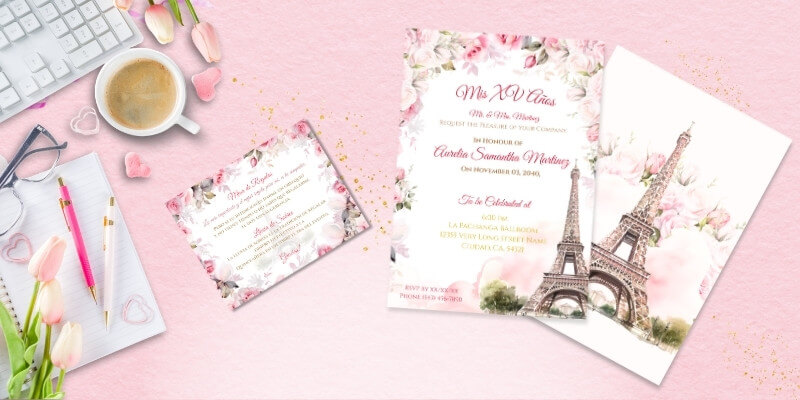
- Classic. There's nothing like handing your abuela a real invitation.
- It becomes a keepsake. Families save these.
- You can dress them up. Pair a printable design with laser-cut pockets or nice envelopes and you get the expensive look without paying someone to assemble them.
Cons:
- The costs stack. Printing, envelopes, postage, and extras add up faster than anyone expects.
- Acrylic invites are the sneaky one, since they ship as parcels and cost more to mail.
- Tracking replies by hand is rough.
- Mailed RSVP cards and random texts are hard to keep straight.
- People lose them. Or they mean to reply and never do.
Best for: the guests who'd be a little hurt by a text. Abuelita, las tías, padrinos, godparents, anyone you're handing an invitation to in person.
DIY Invitations
Pros:
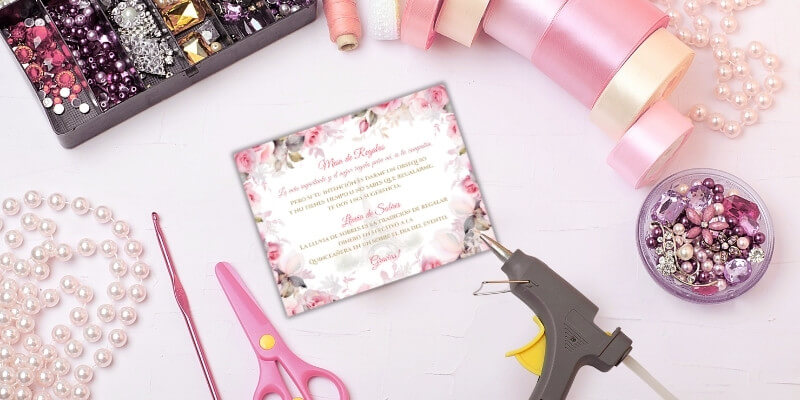
- It's personal, and it can be a real bonding project with your mom, your sisters, your court.
- Cheaper, sometimes. Printing your own designs and assembling them yourself saves money if you already own the tools.
Cons:
- It eats your weekends. Cutting, gluing, and assembling a hundred invitations takes way longer than one afternoon.
- Supplies add up. Ink, cardstock, adhesive, and the ones you mess up.
Best for: crafty families who genuinely enjoy the process. If you're doing it only to save money, price out your supplies first. Sometimes printing at a local shop wins.
Whichever You Pick, the RSVPs Still Have to Come Back
This is the part almost nobody plans for.
Sending the invitation is one job. Finding out who's actually coming is a completely different one, and it's the one that keeps moms up at night three weeks before the party. You're texting people individually. Someone's tía said yes to your mom but not to you. The venue needs a final count Friday and you're guessing.
An invitation page with RSVP built in fixes that specific problem. Guests tap a link, reply from their phone, and the count updates in one place. It also holds the address, the map, the dress code, and everything else people text you about at 11pm.
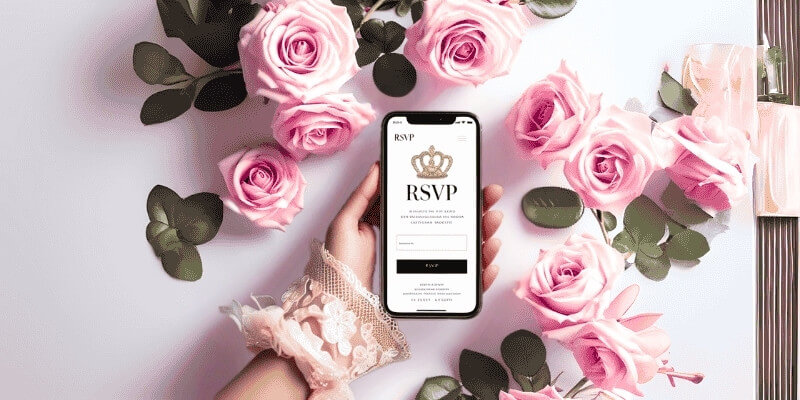
Just know there are two versions of this. A basic RSVP page collects a name and a yes. That's genuinely enough for a smaller celebration, and if you like setting things up yourself, a template works fine. A managed one runs the whole guest list: who opened the invitation, who hasn't answered, how many kids per family, meal counts, plus-one limits, reminders you send without opening your contacts, and the photos everyone took that night. That's the difference you're paying for, not the prettiness of the page.
Here's what a quinceañera website actually does if you want the full breakdown, and here's what we build if you'd rather someone else set it up.
It pairs with anything, too. Printed invitations with the link on the back. A digital invite that goes straight to it. A video invite you post with the link in the caption.

You Can Mix and Match
Almost every family I've seen lands here. Common combinations that work:
- Digital Save the Dates first, printed invitations later
- Printed for family, digital for friends
- Printed invitations with an RSVP link on the back
- A video invite for the group chat plus a website for the details
- One printed invitation per household instead of per person, which cuts the count almost in half
You're not bound to one format anymore. You can meet each part of your guest list where they already are.
Watch Out for These Scams
Be careful buying custom invitations from social media sellers. There are constant reports in planning groups from people who paid for a custom invite or video and never received anything, and by the time they realize it, the account is gone.
A few habits that protect you:
- Buy where there's a real store, a refund policy, and a way to contact a human
- Be suspicious of prices far below everyone else
- Avoid paying by friends-and-family transfer, (CashApp, Venmo, Zelle, etc.) since there's no recourse
- Ask for a sample or a preview before you pay in full
Ready to Pick Yours?
Everything in our shop is made for quinceañeras and the families planning them:
- Printable Invitations you personalize, print, and dress up however you like
- Save the Dates in digital or printable versions
- RSVP Invitation Websites that collect replies for you
- Lluvia de Sobres cards matched to your invitation style
- Video Invitations built for texting and social media

Preguntas Frecuentes
Are digital invitations tacky for a quinceañera?
Not anymore. What reads as careless is a plain group text with no design. A well-designed digital invitation with the same artwork as a printed one lands just fine with almost everyone.
Can you send quinceañera invitations by WhatsApp?
Yes, and it's how most families reach relatives abroad. Send an image or a link rather than a video file, since videos get compressed and lose quality.
Do you still need printed invitations if you have an invitation website?
Not necessarily, but many families print a small batch anyway for grandparents, padrinos, and the memory box, then send everyone else the link.
Why do some quinceañera RSVP websites cost so much more than others?
A template is a file you set up and manage yourself. A done-for-you site is built for you and comes with the guest list, live counts, reminders, and photo collection. You're paying for the system and the setup, not the page.
How many invitations should you order?
Count households, not people, then add ten percent. One invitation per family covers a lot of guests, and the extras cover mistakes and last-minute adds
How much do quinceañera invitations cost?
Printed usually runs one to five dollars per invitation once you add envelopes and postage, more for acrylic or laser-cut. Digital and printable designs are a flat one-time cost no matter how many guests you have.